

Opening and closing checks the team tick on the phone.
A new account starts with common opening and closing lines. Add, rewrite or retire any line so it matches the restaurant. Staff tick them before service and at the end of the night. A line that is not done needs a note of what they did.
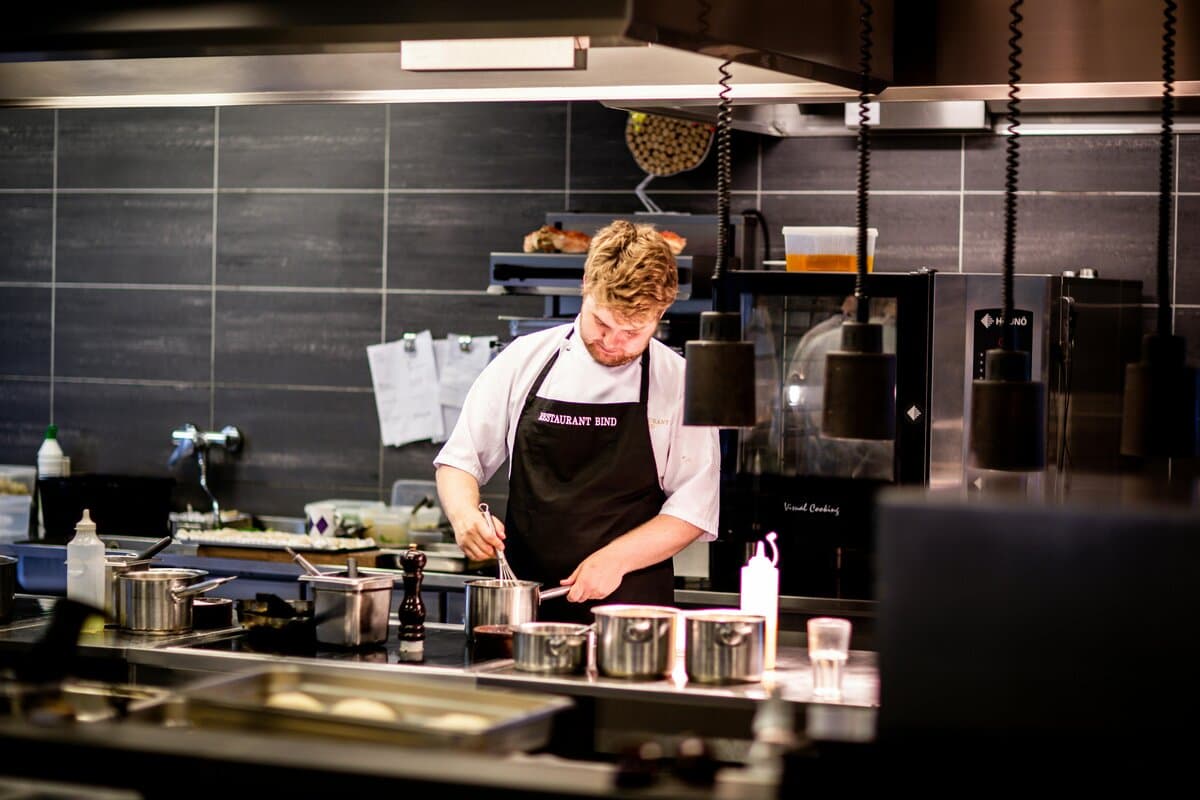
Lines for the start and the end of service
Opening lines cover the checks before food is served, such as fridges and freezers working, staff fit for work, and hand-wash supplies in place. Closing lines cover the end of the night, such as food put away, waste removed, and surfaces cleaned.
Those starting lines are a list you can change. They are not a complete set of legal requirements, and they are not a substitute for the rest of your food-safety procedures.
Done, or a note of what was done instead
On the Android app, staff tick each line. If a line is not done, they record what they did about it. The manager can see which lines are still open before the day is signed off.
A supervisor signs the day
Sign-off uses a PIN set in the dashboard. The person who signs is a different person from the one who recorded the checks. The day can be signed off even when some tasks are still open, and a late record can still be added afterwards.
The same diary as temperatures and cleaning
Opening lines, closing lines, temperature readings and cleaning tasks are separate lists. They are written into one diary for the day, which you can download. If the end-of-day email is on, it lists checklist lines that are still not done.