

CSV import
Bring your existing ingredient and menu information into InstaLabel.
Use CSV import to build your item records from a spreadsheet, then review the ingredients, allergens and date settings before printing.
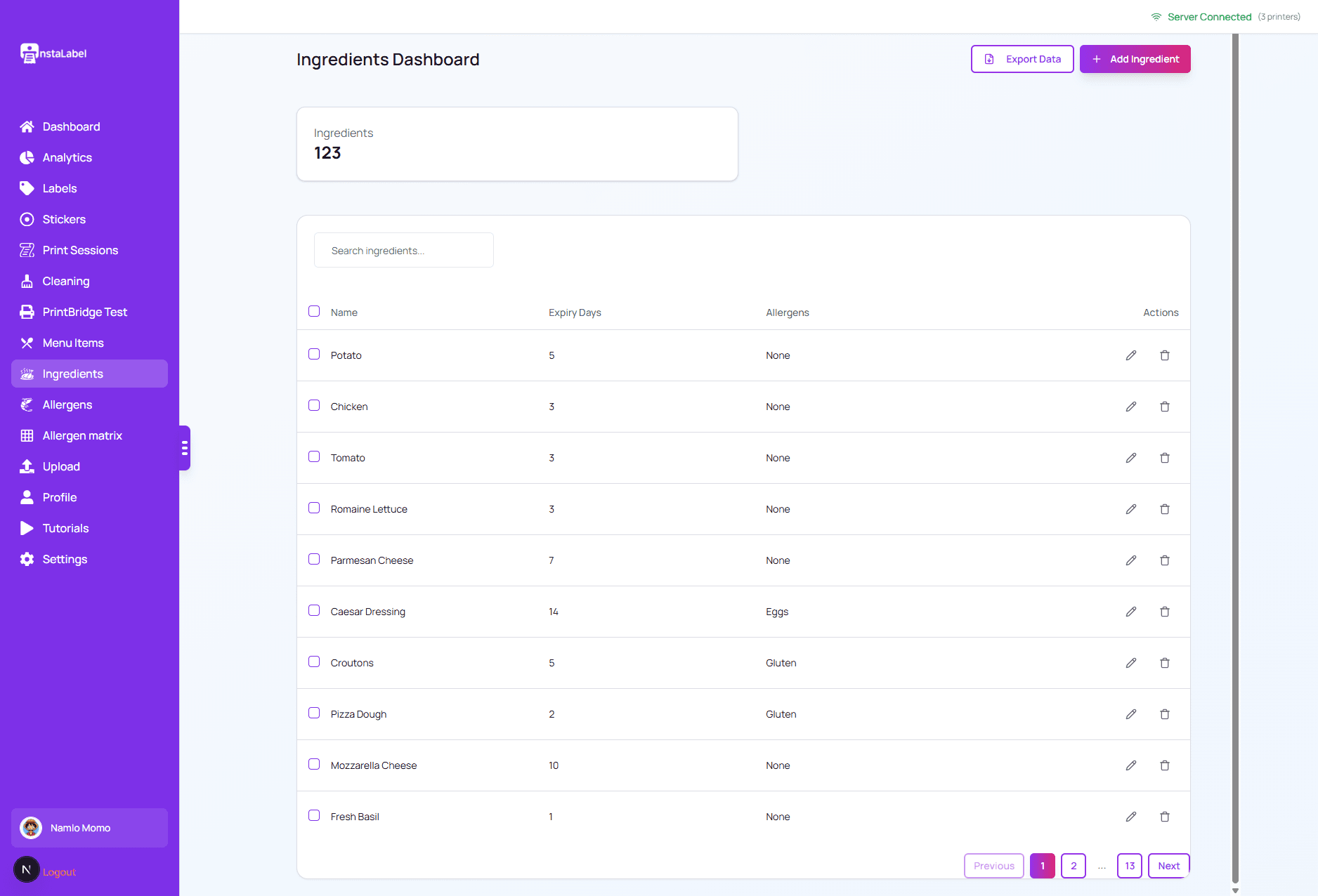
Gather current recipes and supplier information
Start with the ingredients and products your kitchen actually uses. Resolve duplicated names and outdated recipes before uploading.
Prepare the fields used by the import
The current public import uses these fields. Use the template and accepted values in your account for the exact row format.
| CSV field | What it represents |
|---|---|
| menu_item_name | The product or dish you label |
| ingredient_name | An ingredient used in that item |
| shelf_life_days | The number of days your kitchen has set for the ingredient |
| allergens | Allergen names recorded for that ingredient |
Import a small representative set first
Use a few ordinary items before the full menu. Include a compound ingredient and a longer PPDS ingredient list if you print pack labels.
Review the imported items before the first print
Check names, ingredients, recorded allergens and date settings. Importing transfers information. It does not verify that a recipe or its dates are correct.