

Food labels for each stage of your kitchen’s work.
From storing ingredients to packing food for sale, use InstaLabel to keep the right information with the right item. Choose the workflow that matches the task your team is doing.
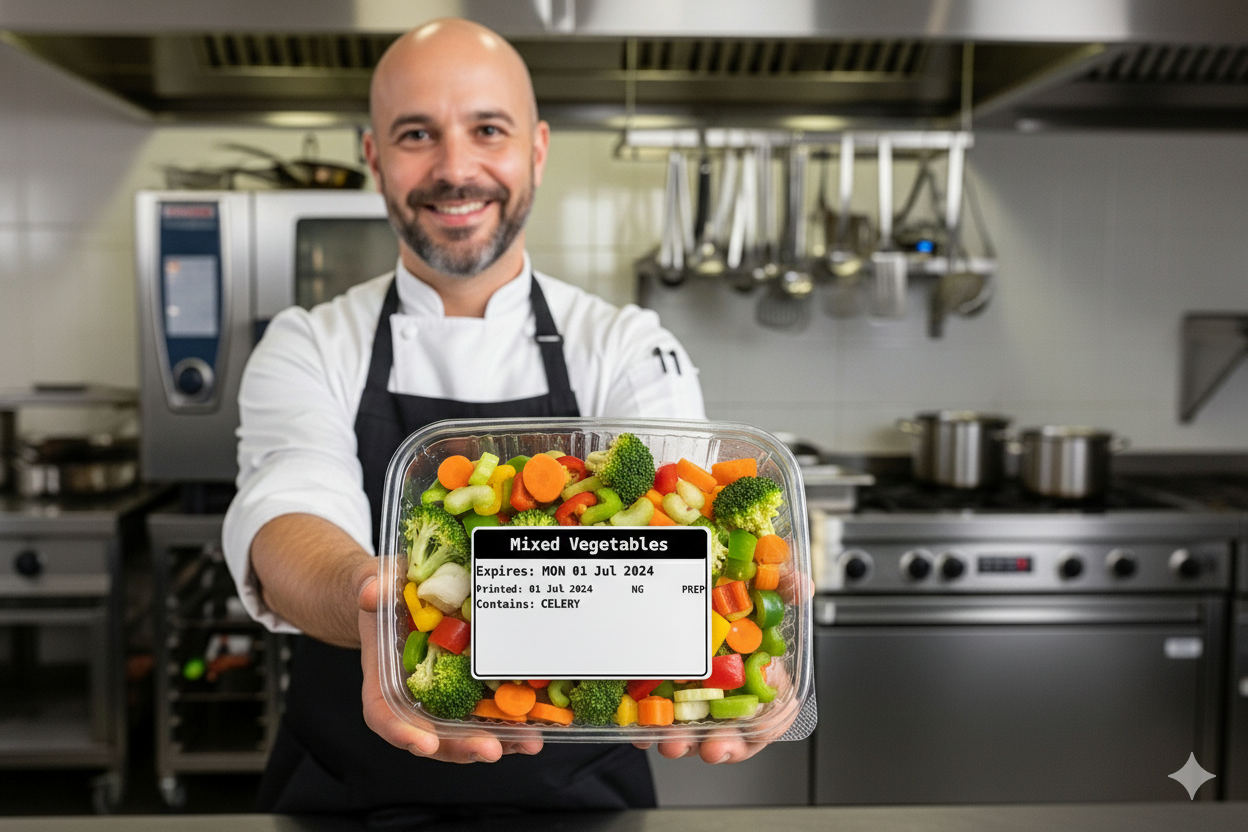
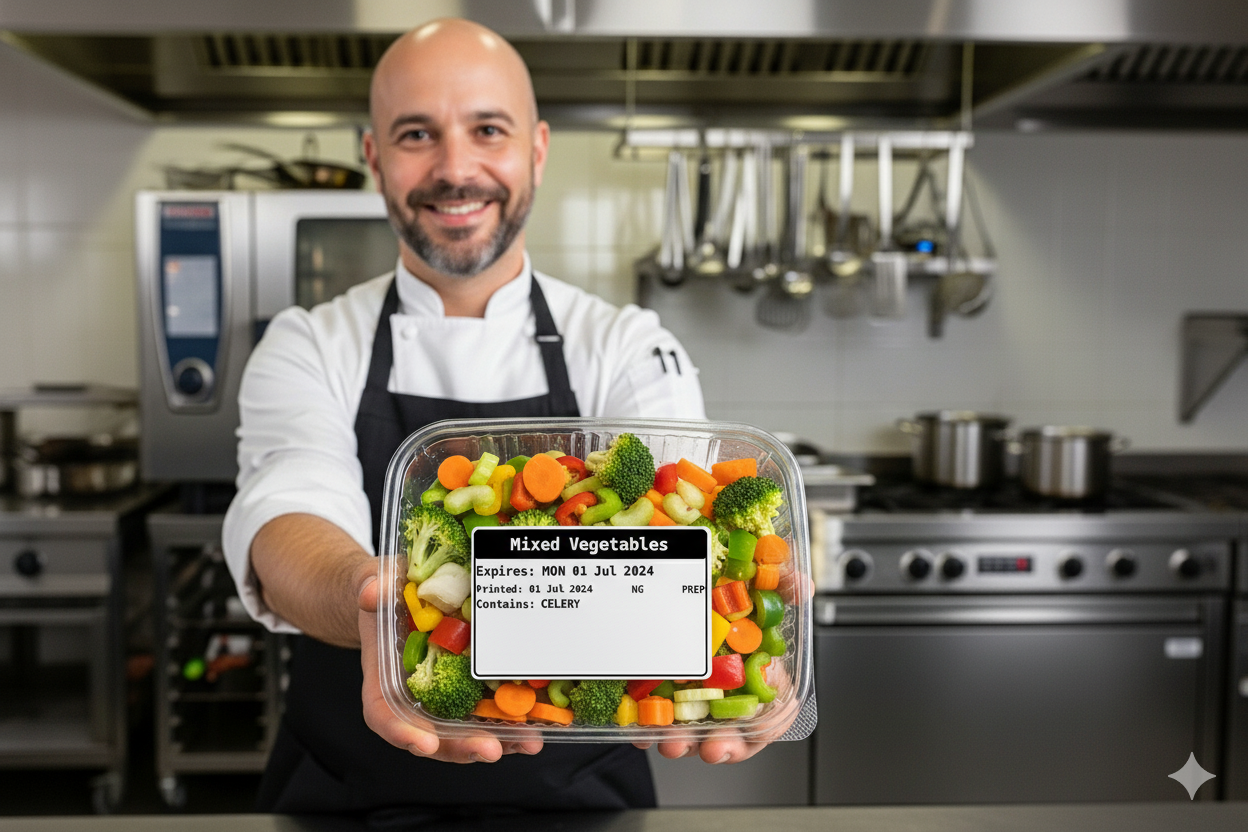
Example prep label from the InstaLabel renderer.
One label for the job in front of you.
What are you labelling?
Identify a stored or decanted ingredient.
Label ingredients or dishes prepared ahead.
Keep cooked items distinct between shifts.
Identify food moving out of frozen storage.
Make the applicable date easy to see.
Prepare a PPDS ingredient label.
Review the recorded allergens across selected dishes and export a printable matrix.
Store ingredients with clear identification.
When ingredients move into storage containers, keep their identity and relevant date information visible. Use an ingredient label alongside the supplier information your kitchen retains.
Example: Decant flour into a storage container and label it with the item details used by your kitchen.
Ingredient labelsNo allergen is currently recorded on this item. That is not an allergen-free claim.
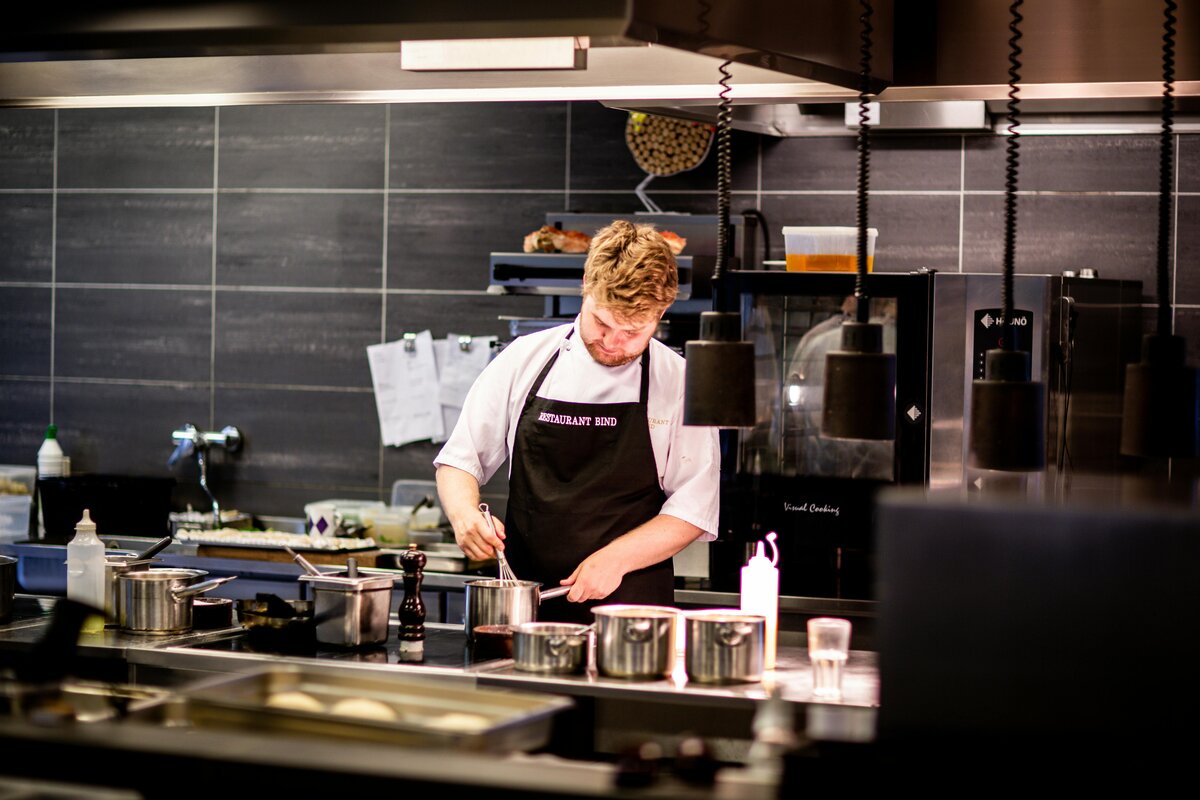
Label prepared items before the next handover.
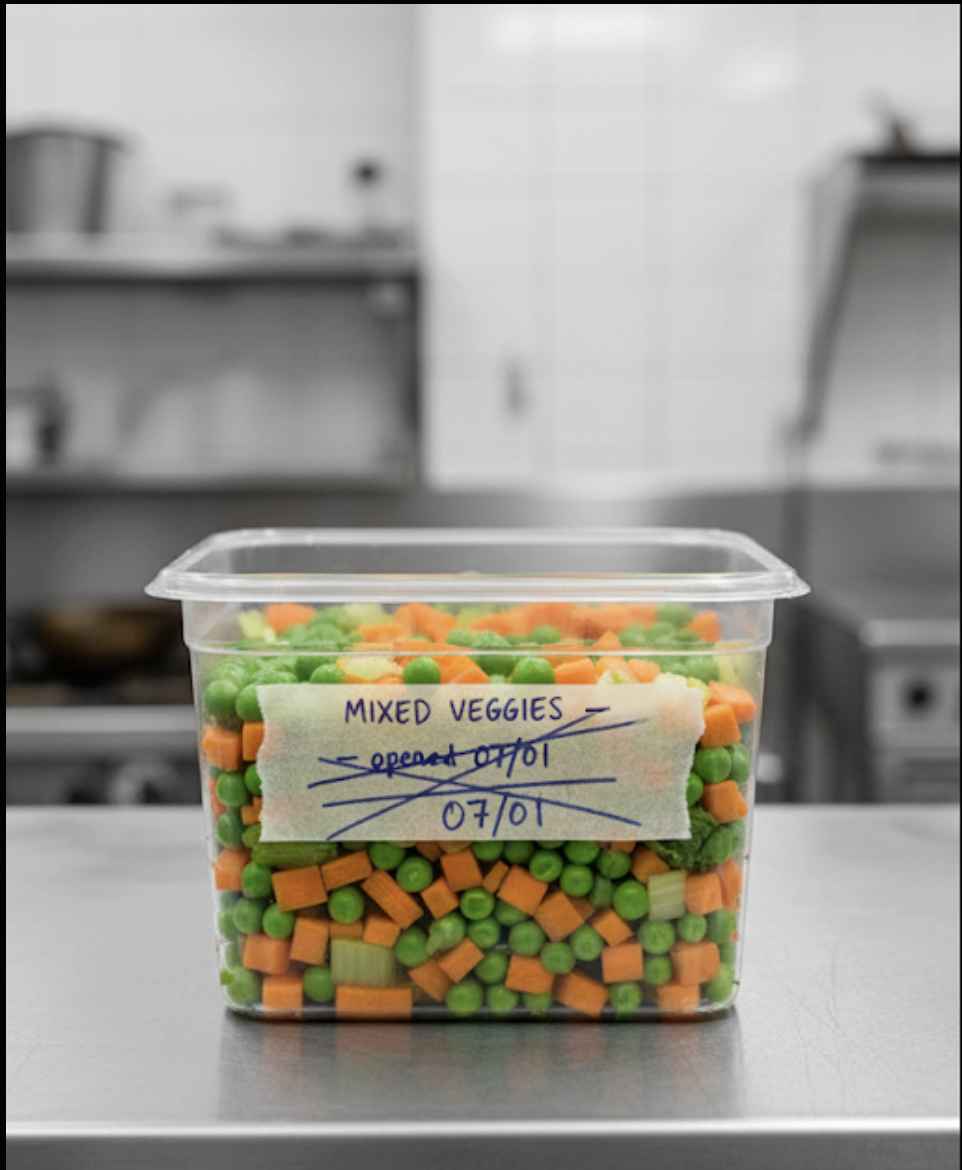
Identify chopped ingredients, prepared mixtures and items made ahead of service. Print the item's recorded information and review the date before applying the label.
Example: The morning team prepares vegetables for service and labels each container before storage.
Prep labelsKeep cooked batches easy to distinguish.
Apply a cooked label so the next shift can identify the item and read its relevant date and allergen information. Keep temperature and cooling records in your kitchen's food-safety process.
Example: Identify a cooked sauce batch before it moves to the next stage of your kitchen's procedure.
Cooked labelsMake the defrost workflow visible.
Identify an item as it moves through your defrosting procedure. Check its date information and label details against the actual stage of the process.
Example: Label a batch moved from frozen storage so the next shift knows which item it is handling.
Defrost labelsRecorded allergen: Fish. The label uses the same CONTAINS ALLERGENS layout as other ingredient labels.
Make date checks part of stock rotation.
Print the date determined by your kitchen's settings in a consistent format. Use that information with your normal storage and stock checks to decide which items to use first.
Example: Compare labelled containers during the shift's stock check.
Expiry date labelsFIRST
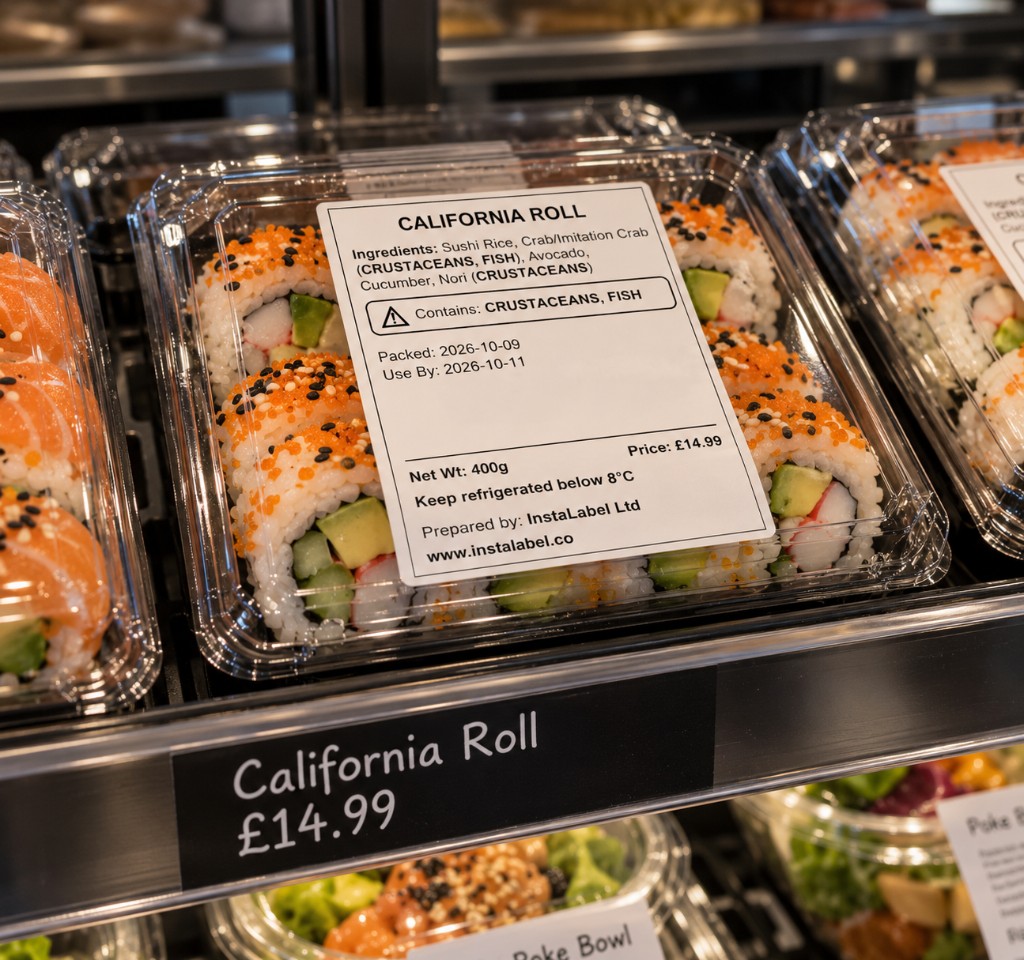
Prepare ingredient labels for food packed for direct sale.
For food within the PPDS rules, prepare a label with the food name and a full ingredient list that emphasises the relevant allergens. Check the actual recipe and the printed result before offering the food for sale.
Example: A café prepares and packs sandwiches on site before customers choose them from the display.
Takeaway packaging alone does not determine whether food is PPDS. Check how and when the food is packed, ordered and sold. FSA PPDS guidance.
PPDS labels and Natasha's Law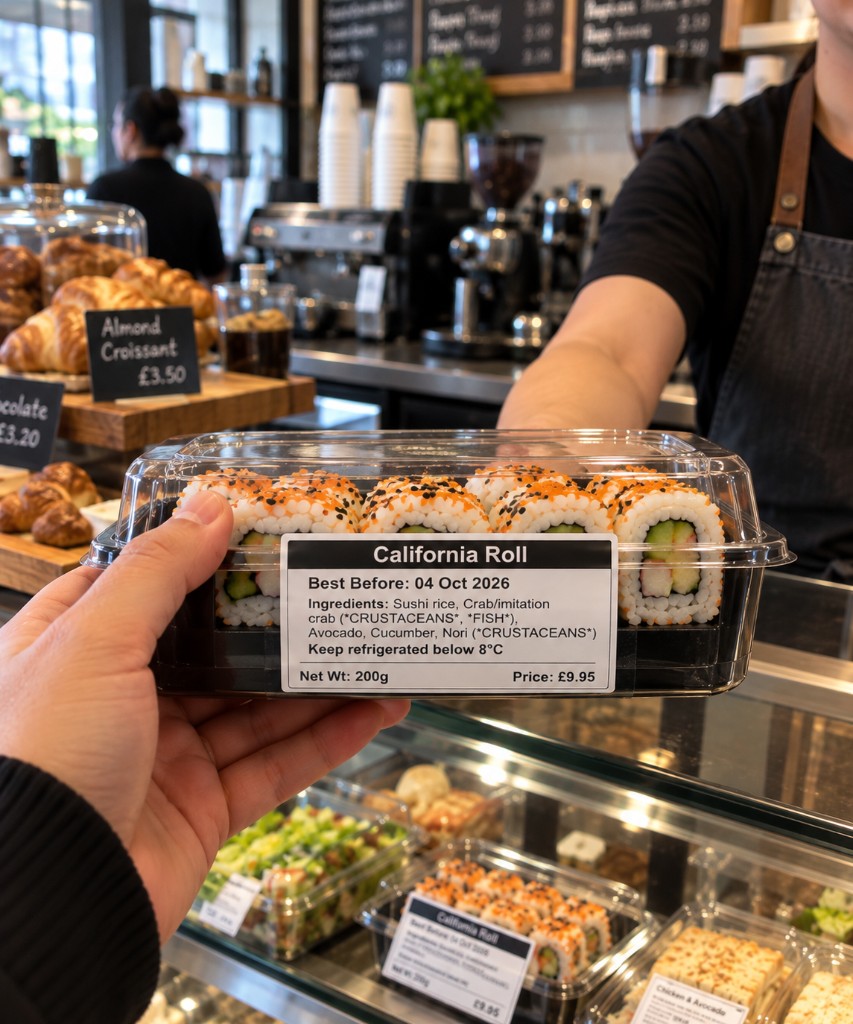
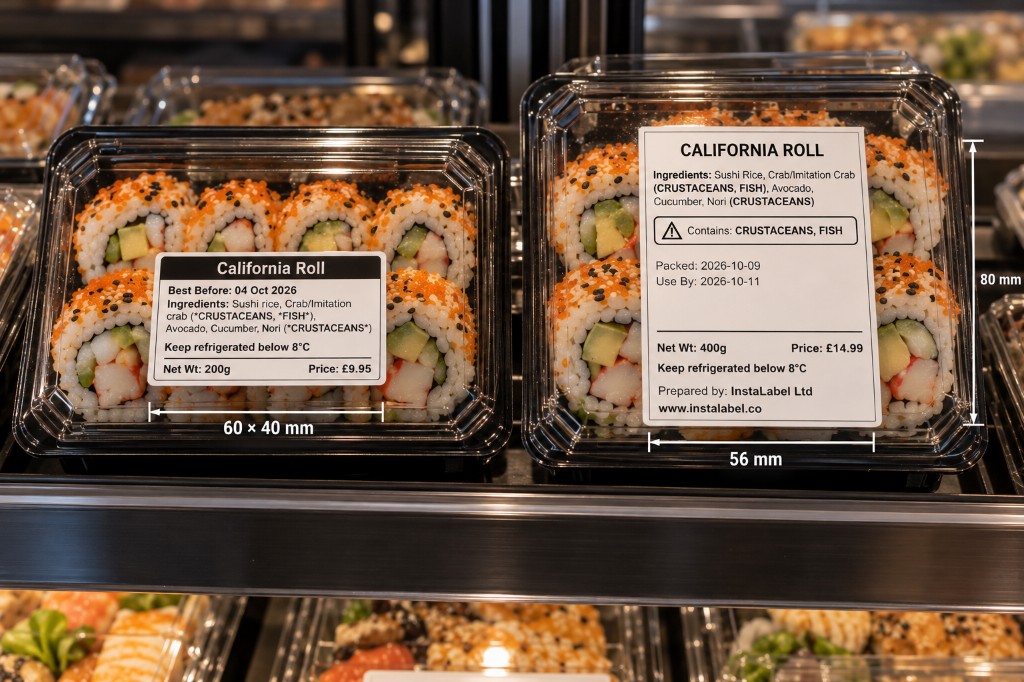
A 60×40 mm PPDS label. The 56×80 mm size is shown with the other label photos above.
Keep menu allergen information available in writing.
For non-prepacked dishes, choose the active menu items, check their current allergen records and generate a matrix showing the 14 regulated categories. Keep the document current and support written information with a conversation where appropriate.
Example: A restaurant updates two sauces, reviews the affected dish records and generates a fresh front-of-house matrix for the current menu.
This workflow does not replace a PPDS ingredient label and does not create allergen information from a dish name.
See the allergen matrixUse the workflows that match your service.
Ingredient storage, daily prep and cooked-batch identification.
Prepared items and PPDS foods packed before customers select them.
Back-of-house preparation and the allergen information appropriate to the ordering process.
Consistent item labels and a printing setup suitable for the workspace.
Choose where the label is printed.
Use a computer with PrintBridge for a fixed station, or the Android app with a supported Bluetooth printer. Check the equipment requirements before choosing your setup.