

Choose a printer that works with your setup.
Choose the printer for the device your team will use. A kitchen can print from a computer that already has a label printer installed, or from a supported Bluetooth printer at the pass. Desktop printing uses PrintBridge. Android printing uses the models listed on the compatibility page.
Two printing routes
Desktop
InstaLabel in the browser with PrintBridge and a printer installed on Windows or macOS.
Android
InstaLabel app with MUNBYN RW411B, Born4Ship DB403 or Rongta RP425.
The setups we can show.
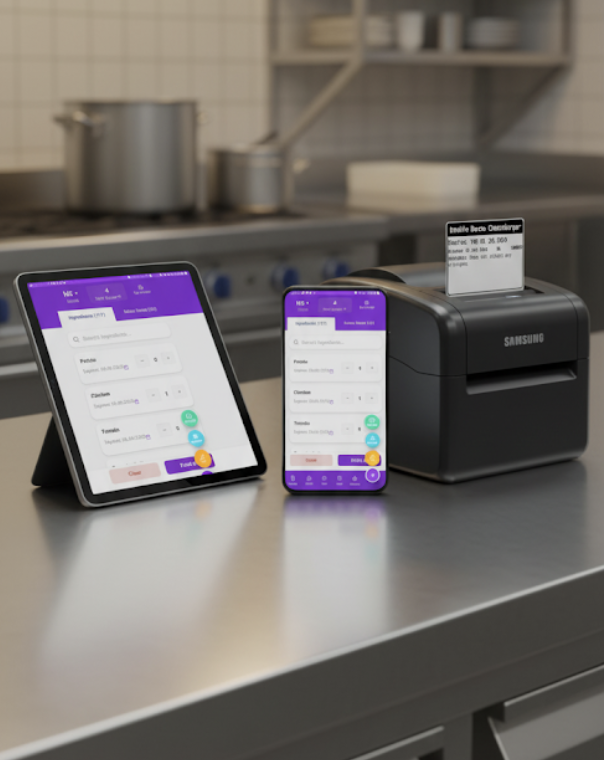
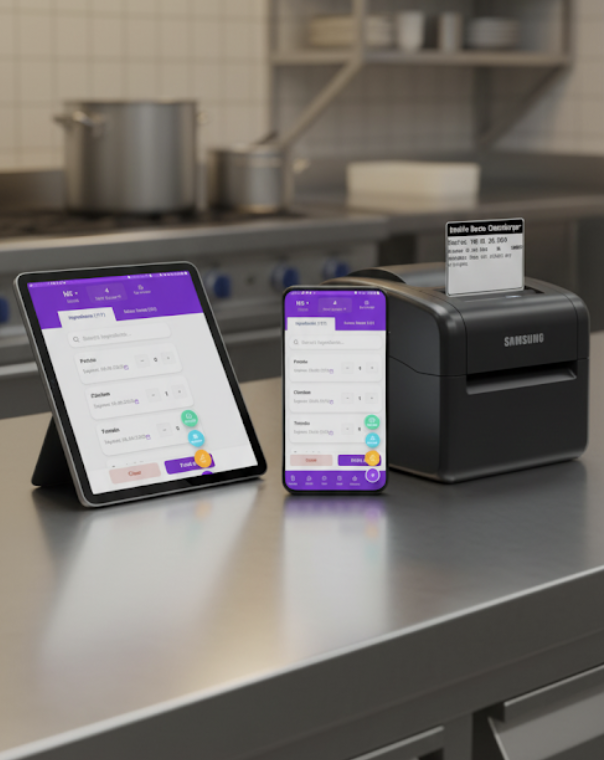
Desktop and Android have different requirements.
| Desktop | Android | |
|---|---|---|
| Device | Windows or macOS computer | Compatible Android device |
| Software | InstaLabel web app and PrintBridge | InstaLabel Android app |
| Printer route | Printer installed in the operating system | Supported Bluetooth printer connection |
| Model guidance | Check the printer's OS driver, paper settings and test output | MUNBYN RW411B; Born4Ship DB403; Rongta RP425 |
| Setup guide | Desktop printing | Android app |
No proprietary InstaLabel printer is required. Check your exact printer model and working setup before buying hardware.
Check what you already have.
For desktop use, confirm the printer works on your computer with its normal driver. Then configure the stock size in the printer and InstaLabel workflow and run a test label. A brand name alone does not establish whether the full setup is suitable.
Match the stock to the printer and the information.
Check the printing method, width and length, roll/core fit and media sensing. Choose enough printable space for the longest label you need. A compact internal label and a long PPDS ingredient list may need different layouts.
Choosing label materialsTest a representative label.
- The correct printer is selected.
- The label feeds and aligns correctly.
- The longest item name and ingredient list fit without clipping.
- Dates and allergen emphasis are clear at actual size.
- The stock works on the intended container in the intended conditions.
Get advice on your exact setup.
Send the printer model, operating system and intended label dimensions so we can discuss the printing route.